Run a tournament, a season,
or run both.
From a one-day 5v5 to a 12-week season with playoffs -- Flag50 handles the full event lifecycle. Public page live in minutes.
From a one-day 5v5 to a 12-week season with playoffs -- Flag50 handles the full event lifecycle. Public page live in minutes.
01
Set up, schedule, and run a full tournament in an afternoon. Public event page goes live the moment you're ready.
02
Build a 6, 8, or 12-week season with pool play, standings, and an automatic playoff bracket at the end.
03
Run pool play through the season, then flip to a bracket when it counts. Seeding pulls from your standings automatically.
04
Every event gets a shareable URL with your banner, logo, and an embedded venue map. Coaches and parents bookmark it.
05
Organize by age group (8U, 10U, 12U, 14U) or grade (3rd/4th, 5th/6th). Configure rules per division.
06
No implementation call required. Most directors have their first event page live before lunch.
Pool play, brackets, full seasons, or hybrid — pick your format up front. Flag50 handles standings, tiebreakers, and seeding.
When the regular season ends, Flag50 seeds the bracket from final standings. No spreadsheets, no re-entry.
Standings update in real time. Lose a field? Reshape the schedule without losing a single result.
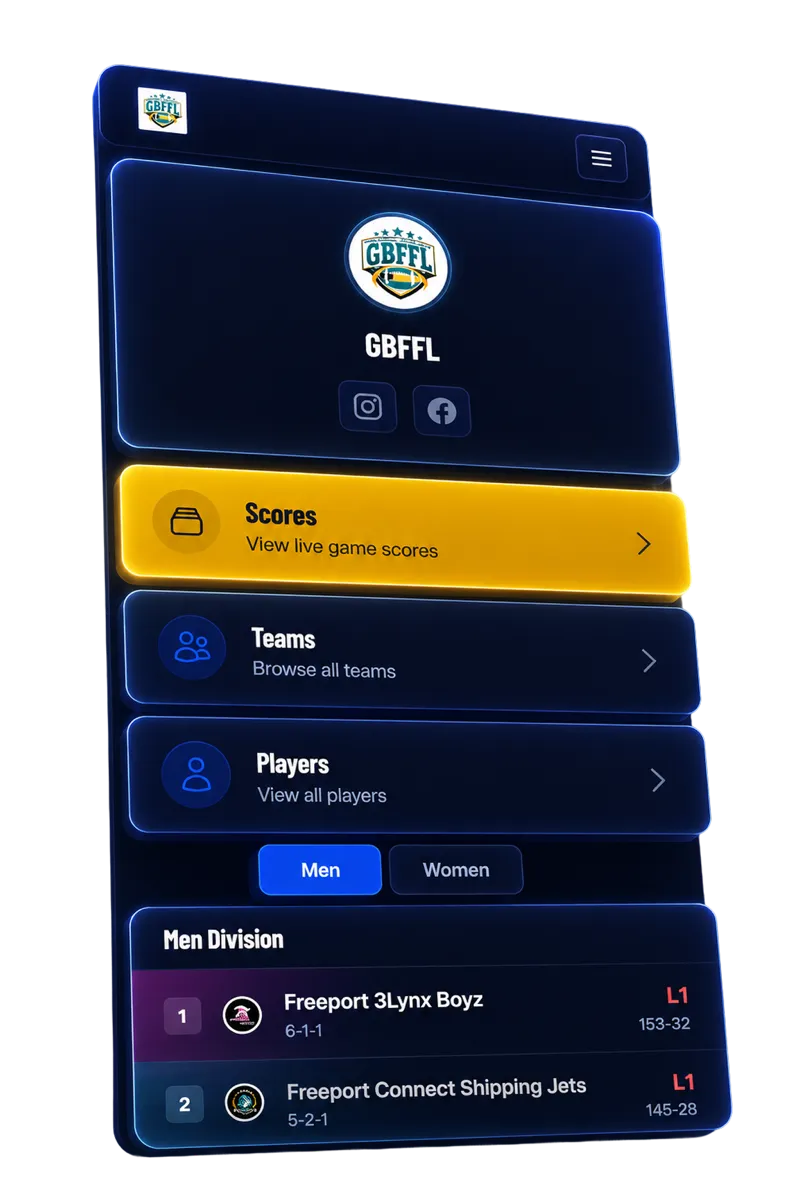
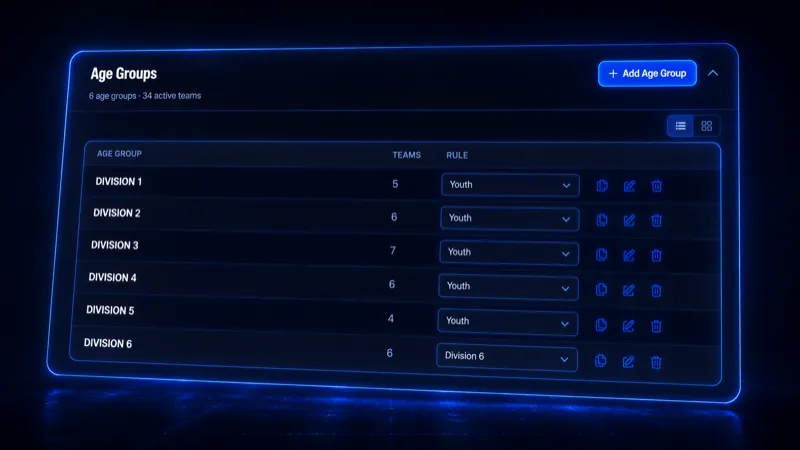
Every event in Flag50 supports multiple divisions, and each division runs independently. You can organize by age group -- 8U, 10U, 12U, 14U -- or by grade band like 3rd/4th and 5th/6th. Each division gets its own schedule, its own standings table, and its own playoff bracket if you are running one. Teams register into the division that matches their age group, and from that point forward, everything is separated cleanly.
Rules are configurable per division, not per event. That means you can run 15-minute halves in your 14U division and 12-minute halves in your 8U division. Scoring rules -- touchdowns, PATs, safeties, 2-point conversions -- can differ between divisions if your league rules require it. Halftime duration, mercy rules, and overtime format are all set at the division level.
Tiebreakers run automatically at the end of pool play or the regular season. The default order is win/loss record, then points allowed, then point differential, then head-to-head record, then coin flip. You can reorder or remove any of those criteria per division. When the last regular-season game is scored, Flag50 applies the tiebreaker logic and shows final standings with the correct seed order. No manual sorting, no arguments about who had the better record.
Yes. Flag50 treats tournaments and seasons as separate events under a single organization account. You can run a weekend tournament in March, a 10-week spring season starting in April, and another tournament in June -- all from the same dashboard, with the same team database and referee pool.
When you create an event, you add divisions and assign each one an age group (8U, 10U, 12U, 14U) or grade band (3rd/4th, 5th/6th). Each division gets its own settings for game length, scoring rules, and tiebreaker order. Teams register into the division that matches their age group, and the schedule and standings run independently per division.
All three. A single-weekend tournament runs pool play and brackets in one or two days. A multi-week season runs a set number of regular-season games followed by an optional playoff bracket. A hybrid format combines both -- pool play over several weeks with a bracket tournament at the end. You choose the format when you create the event.
Most directors have a public event page live within 30 minutes of creating their account. You enter your organization name, upload a logo, create the event, set up divisions, and publish. The page includes your banner, embedded venue map, and registration link. No onboarding call required.
Yes. Every division has independent settings for game length, halftime duration, scoring (touchdowns, PATs, safeties, 2-point conversions), and tiebreaker order. You can run 15-minute halves in your 14U division and 12-minute halves in your 8U division within the same event.
Free to set up. No demo required. Most directors have their first event live within an afternoon.