Stream the game and clip highlights
all from your phone
Live stream any game and pull highlight clips. No crew, no equipment, no editing software. Just your phone and the Flag50 app.
01
Phone-based streaming
Go live from the sideline with nothing but your phone. No camera, no encoder, no crew required.
02
Highlight clipping
Clip the big play while the game is still happening.
03
Fan viewing
Families who can't make the field watch live from anywhere. No app download, no account required.
04
Player highlight reels
Players collect their clips in one place. Post to social, send to a coach, keep it forever.
05
On-demand replay
Games are stored after they end. Watch the full game or find a specific play.
The production crew
is your phone.
Tap "Go Live" and stream
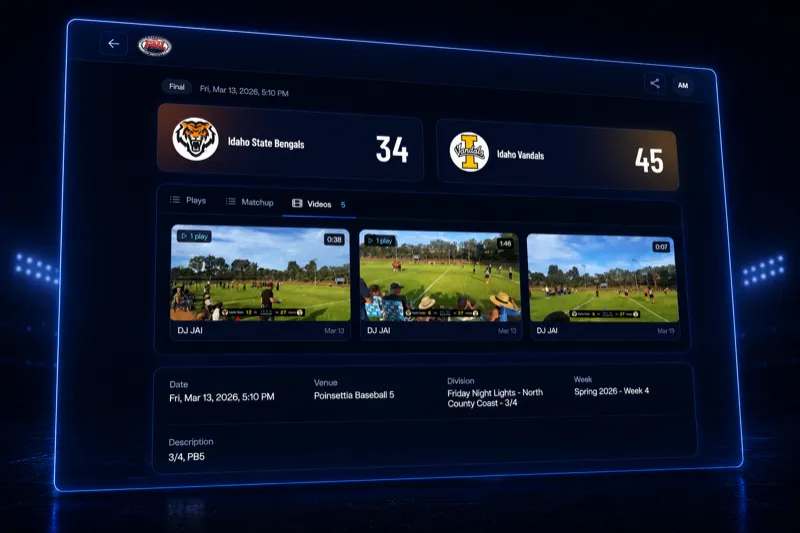
Open the app, walk to the sideline, tap one button. The live feed appears on the public event page instantly. No camera rig, no encoder, no streaming software.
Embedded on the event page
Viewers watch the stream on the same page where they check scores and standings. No redirect to YouTube, no separate app, no account required.
Real, live, and free
It's a single-angle phone stream — not ESPN, but it's live and it costs nothing. A phone and a cheap tripod is all it takes. For youth flag football, that's more than enough.
Clips are a
retention tool.
Clip the moment it happens
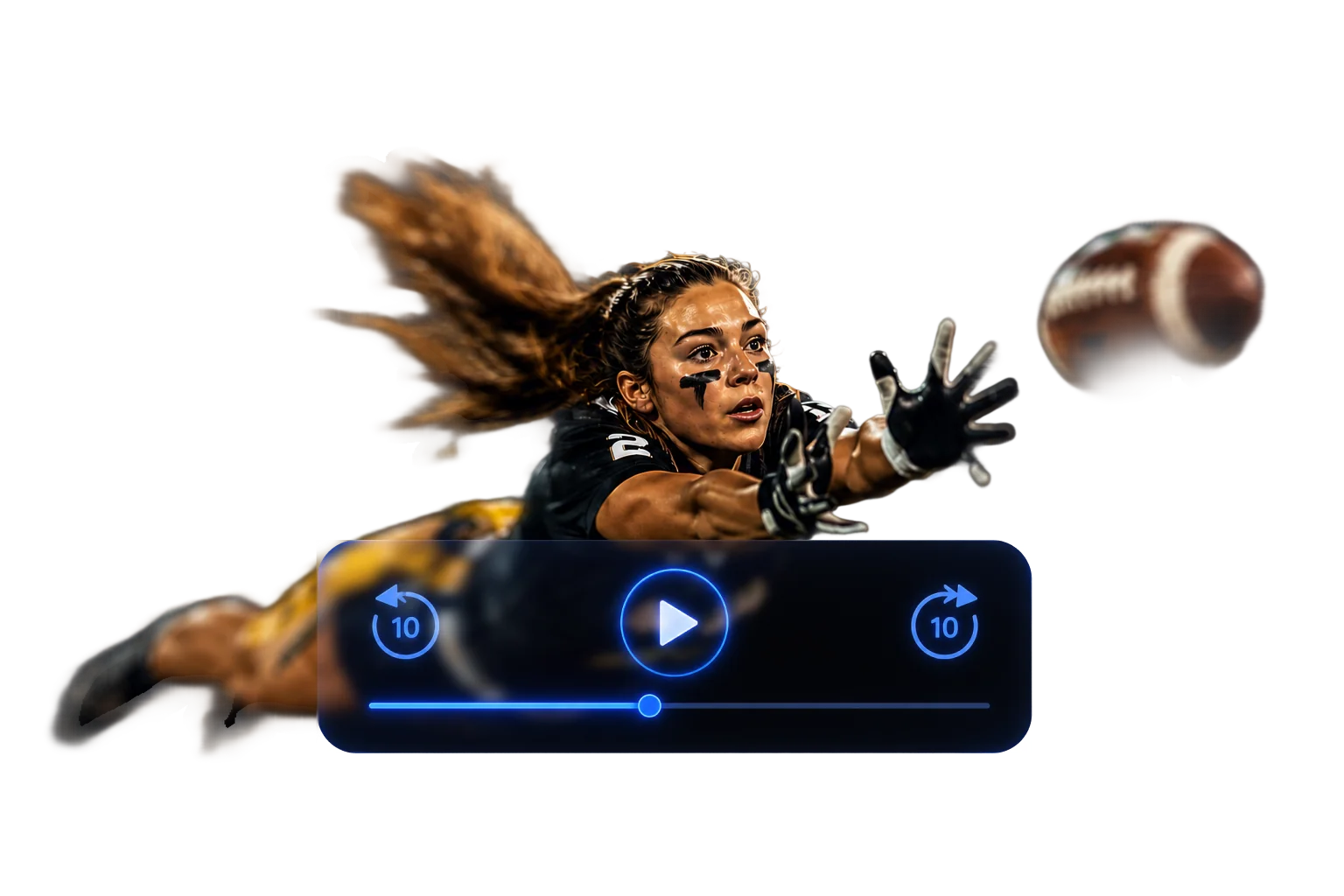
Tap the clip button after a big play. Flag50 saves the last 15–30 seconds as a standalone highlight — available immediately, before the game even ends.
Shareable on every platform
Clips land on the player's profile. Kids share to Instagram, parents post in the group chat, coaches get free film. No editing software, no post-production.
Content that retains families
Kids who see themselves on video come back next season. Parents who share clips talk about your league. Word-of-mouth powered by content that costs you nothing to produce.
Frequently asked
questions.
Q01Do I need special equipment to stream a game?+
No. You need a phone with a camera and the Flag50 app. Point your phone at the field, tap to start streaming, and the live feed appears on the event page. A basic phone tripod or mount helps keep the shot steady, but it is not required. There is no external camera, encoder, or production software involved.
Q02Can fans watch without downloading an app?+
Yes. The live stream is embedded on the public event page. Anyone with the link can watch from any device with a browser -- phone, tablet, or computer. No app download, no account creation, no login. Just open the link and watch.
Q03How do I clip a highlight during a live game?+
While streaming, the person running the camera taps the clip button in the app. Flag50 saves the last 15-30 seconds as a highlight clip. The clip is instantly available to share or is automatically associated with the game record. You can clip multiple highlights during a single game.
Q04Are games saved after they end?+
Yes. The full game recording is stored and available for on-demand replay from the event page. Parents who missed the game can watch it later. Players can scrub through to find specific plays. Recordings are retained for the duration of the season.
Q05Can players access their individual highlight clips?+
Yes. Highlight clips associated with a player appear on their player profile page. Players and parents can view, download, and share clips directly from the profile. Clips are linked to the specific game and timestamp, so they serve as both a highlight reel and a game film reference.
Run your next event
on Flag50.
Free to set up. No demo required. Most directors have their first event live within an afternoon.