From field count and start time
to a full schedule
Tell Flag50 your fields, your times, and your divisions. The scheduling engine handles the rest. Easily drag and drop games to make quick changes.
Tell Flag50 your fields, your times, and your divisions. The scheduling engine handles the rest. Easily drag and drop games to make quick changes.
01
Enter field count, start/end times, and game duration. The engine generates a balanced draft with rest windows and field capacity balanced.
02
Flags double-booking, back-to-back games with no rest, or field conflicts before you publish.
03
Move any game. The engine rechecks for conflicts automatically.
04
Classic knockout. Auto-seeded from pool standings.
05
Losers get a second chance. Updates live as scores come in.
06
Keep all teams playing. Populates automatically.
07
Send the schedule to coaches, print it for the field, or hand it to your officiating company.
Enter field count, start/end times, game duration, and break windows. The engine generates a balanced draft in seconds — rest windows enforced, no duplicate matchups, fields evenly loaded.
The draft renders as a visual grid — time slots vertical, fields across the top. Don't like where a game landed? Drag it. The engine rechecks conflicts automatically.
Publish the schedule to your public event page instantly. Field closure or weather delay? Edit and republish — coaches and parents see the update without manual notification.
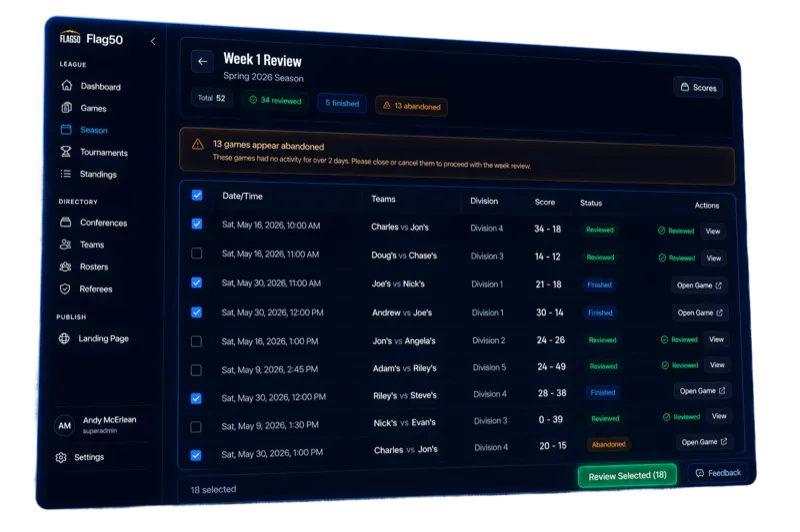
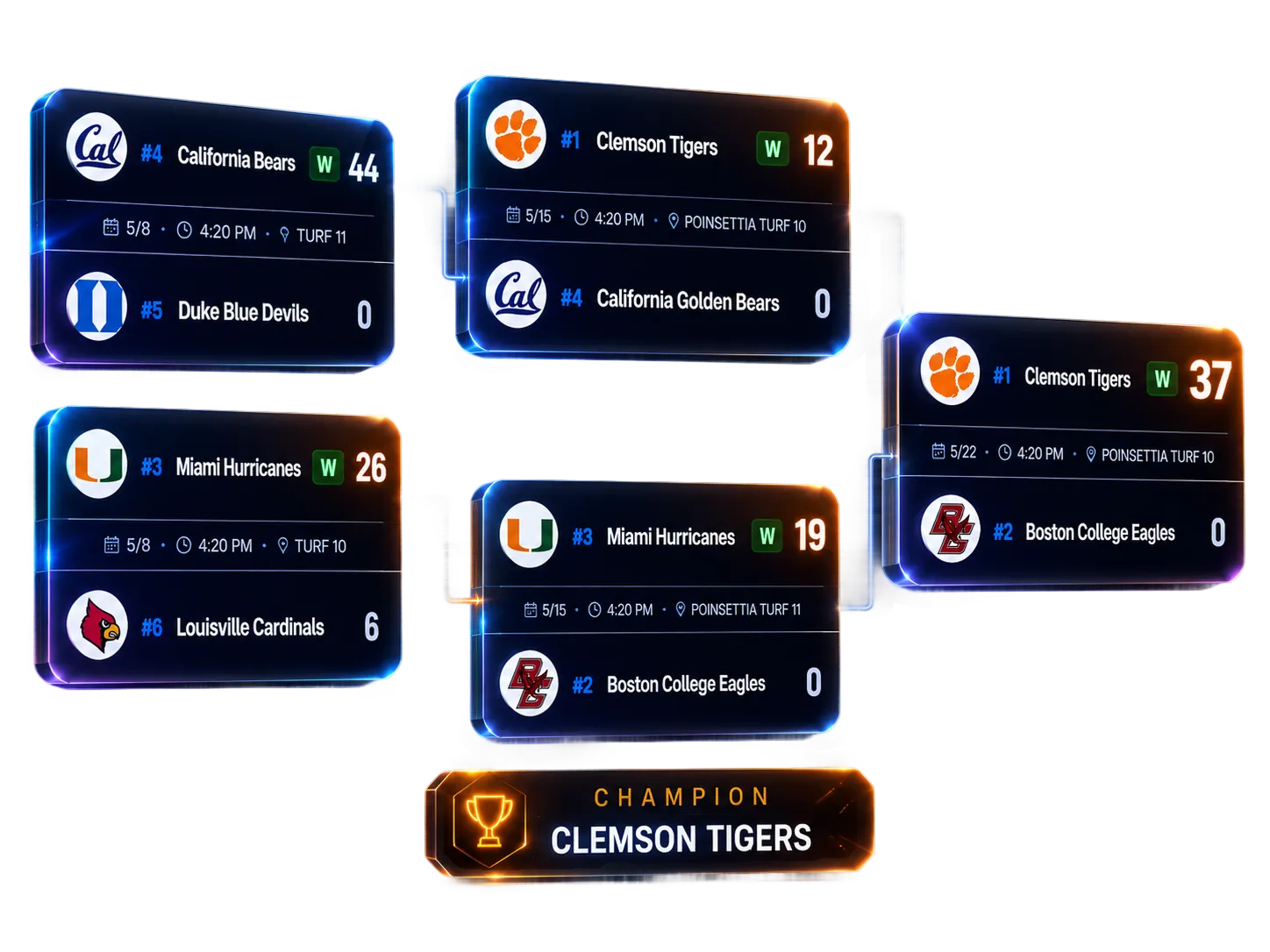
When pool play ends, Flag50 reads final standings — wins, losses, point differential, tiebreakers — and seeds the bracket automatically. No manual entry, no copying between screens.
A referee submits a final score, and the winner advances instantly. The bracket updates in real time for everyone — directors, coaches, parents in the parking lot. Single elimination, double elimination, and consolation formats all supported.
Directors don't touch the bracket during the tournament. It's a live view of scoring data rendered as a tournament tree — always current, always accurate.
You enter your field names, the start and end time for each day, game duration, and any break windows (like a lunch break). The engine distributes games across fields so that no single field is overloaded while others sit empty. It also spaces each team's games to provide a minimum rest window between matchups. The result is a balanced draft you can review before publishing.
Yes. The schedule displays as a visual grid with time slots on one axis and fields on the other. You can drag any game to a different time or field. When you drop it, the engine automatically rechecks for conflicts -- double-booked teams, insufficient rest, or field overlaps -- and flags anything that needs attention.
Single elimination, double elimination, and consolation brackets. Single elimination is a standard knockout -- lose once and you're out. Double elimination gives every team a second chance through a losers bracket. Consolation brackets keep eliminated teams playing so no one sits idle. All three formats update automatically as scores come in.
Seeds are pulled from pool play standings. The top team in each pool is seeded first, then second place, and so on. If you're running a format without pool play, you can set seeds manually. Once the bracket starts, advancement is automatic -- the winner of each game moves forward the moment the referee submits the final score.
Yes. The public event page shows the full schedule grid and live bracket to anyone with the link. No account required, no app download. Coaches bookmark the page before the tournament starts, and parents check it between games to see what field their kid plays on next.
Free to set up. No demo required. Most directors have their first event live within an afternoon.